![S_Icon_03.png]](https://support.swimmingly.app/hs-fs/hubfs/S_Icon_03.png?height=50&name=S_Icon_03.png)
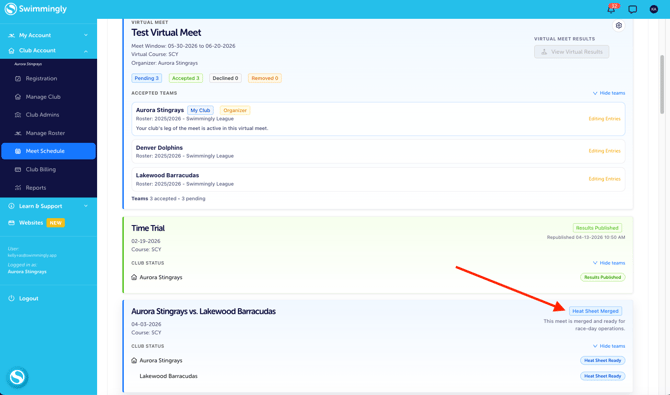
Step 1: Navigate to the swim meet you want to download your "Lineup by Age Group" report
- Login to the Clubhouse
- Click on the Meet Schedule tab
- Select a meet that is "Heat Sheet Ready" (Merged Heat Sheet)
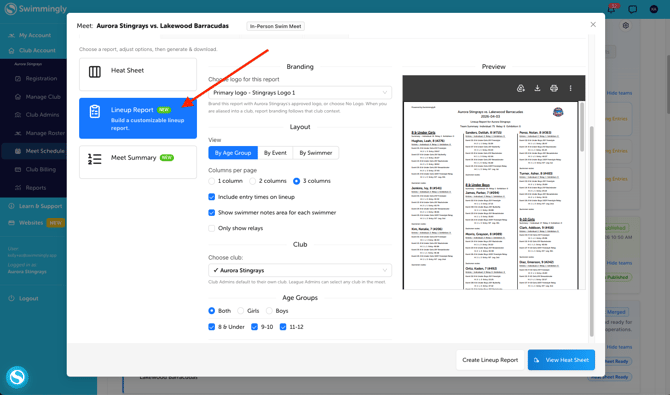
Step 2: Click Lineup Report
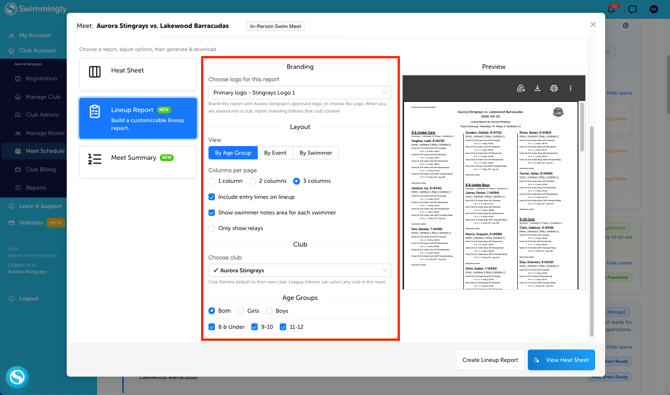
Step 3: Select the options you want to customize on the report
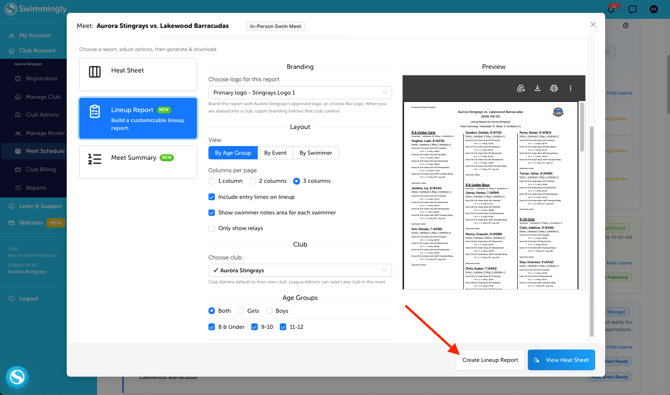
Step 4: Click "Create Lineup Report"