![S_Icon_03.png]](https://support.swimmingly.app/hs-fs/hubfs/S_Icon_03.png?height=50&name=S_Icon_03.png)
The Swimmingly® Clubhouse supports importing meet event order files in the .HYV or .EV3 file formats.
Other systems that may support HYV/EV3 file formats include:
- TeamUnify Touchpad
- SwimTopia Meet Maestro
You can choose to do this in one of 3 places:
1. During Meet Creation
2. In the Club Event Orders
3. In the League Event Orders
Step 1: Log into your Club Admin account in the Swimmingly® Clubhouse
Importing Meet Event Order During Meet Creation
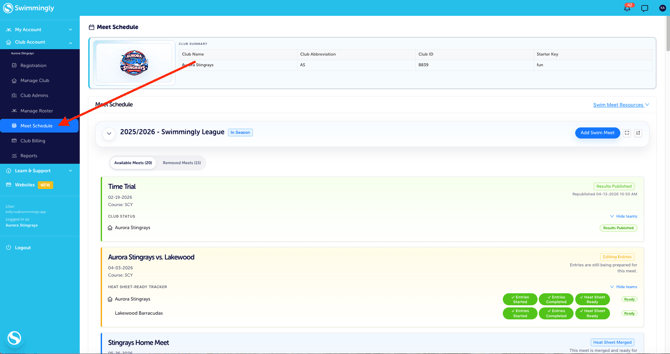
Click on the Meet Schedule tab
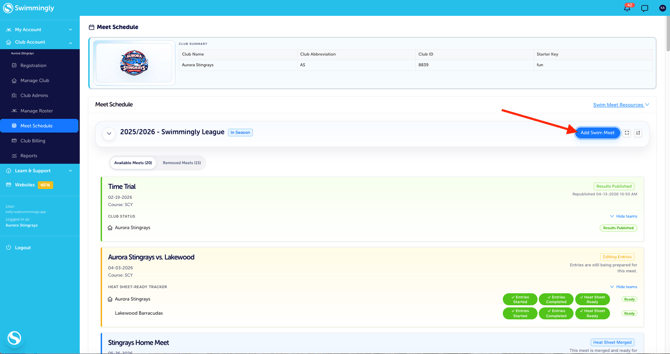
Step 2: Click "Add Swim Meet"
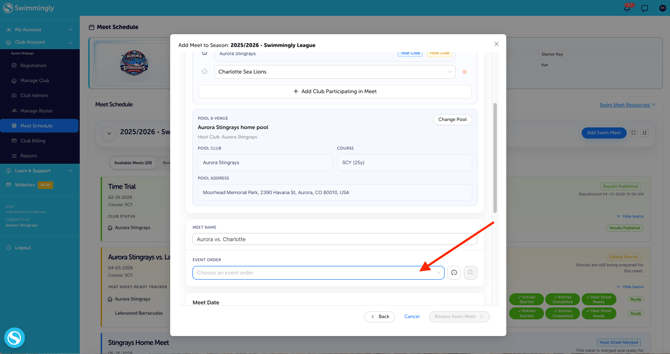
Step 3: Enter Your Meet Information and click on "Event Order"
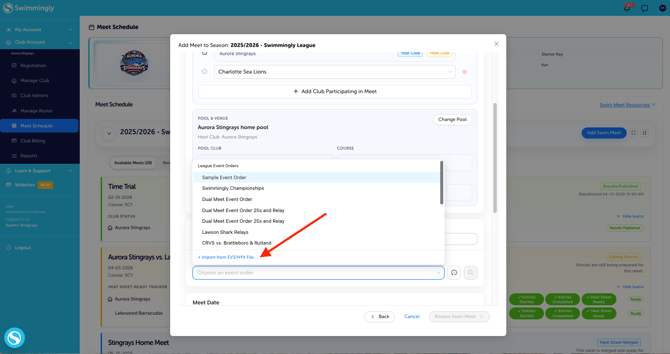
Step 4: Select the "Import from EV3/HYV file"
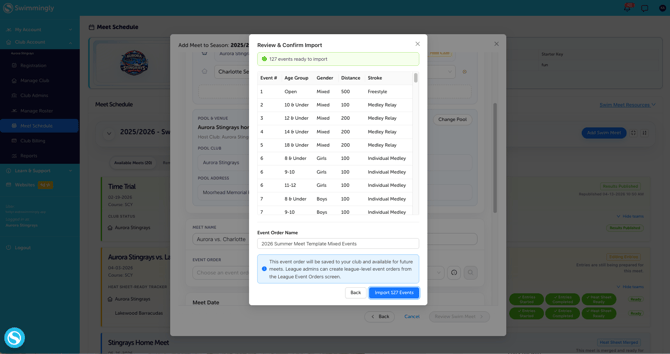
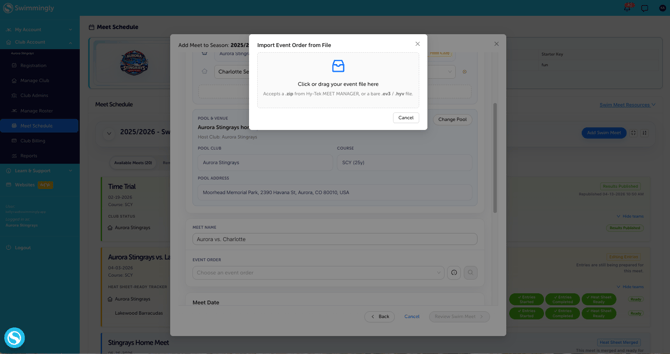
Step 5: Click or Drag your Event Order File to Import
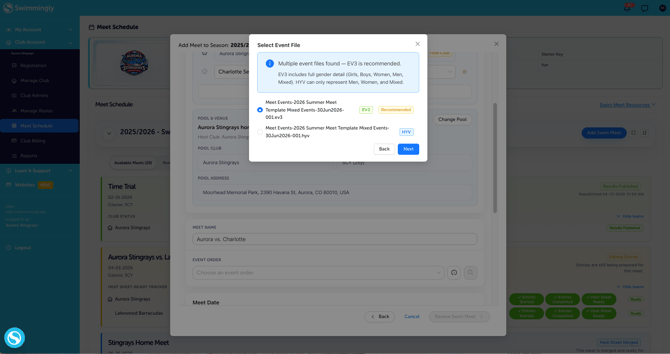
Step 6: If you upload a Zip File you'll need to select which format you want. Then Click "Import ... Events"