![S_Icon_03.png]](https://support.swimmingly.app/hs-fs/hubfs/S_Icon_03.png?height=50&name=S_Icon_03.png)
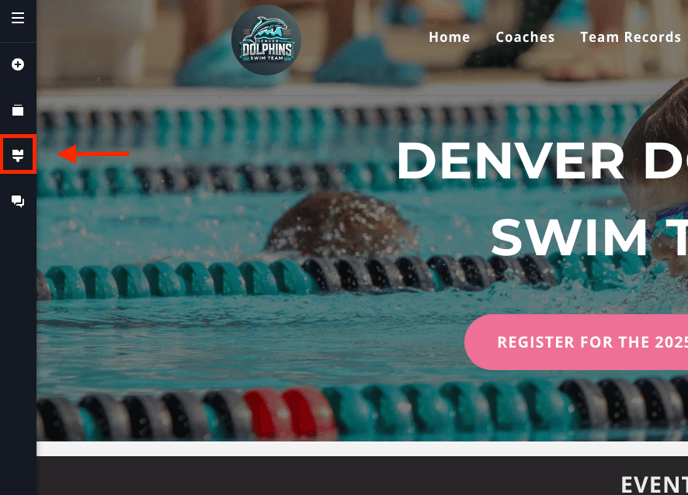
Step 1: Select the Paint Brush option from the left side menu.
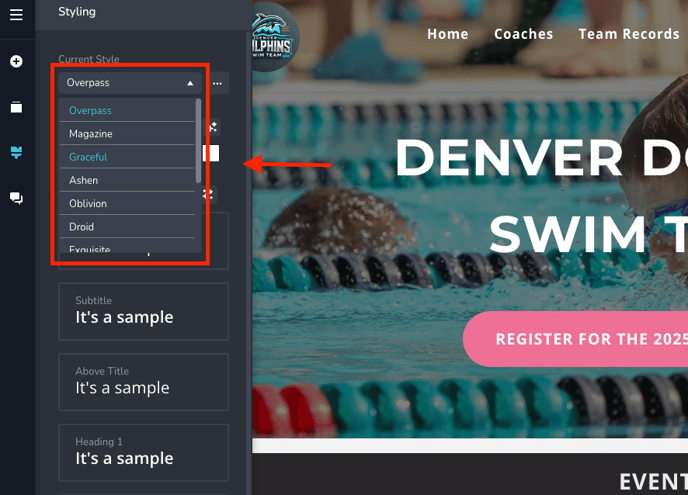
Step 2: You can choose an existing style from the drop down OR you can choose your own colors.
Selecting an Existing Style:
Choose Your Own Colors:
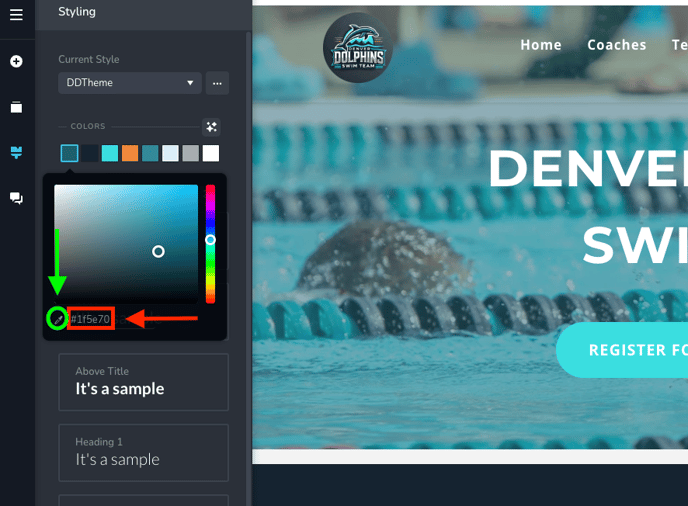
Pro Tip #1:
If you don't know the specific color, you can grab the color from your logo. See how in the video below:
Pro Tip #2:
I'd suggest saving your theme just in case. See how in the video below: