![S_Icon_03.png]](https://support.swimmingly.app/hs-fs/hubfs/S_Icon_03.png?height=50&name=S_Icon_03.png)
As a
Club Admin
I want to
Print out a line-up report before my meet
Solution:
Go to the Swim Meet Report Studio to download your Lineup Report
Step 1: Log into your Club Admin account in the Swimmingly® Clubhouse
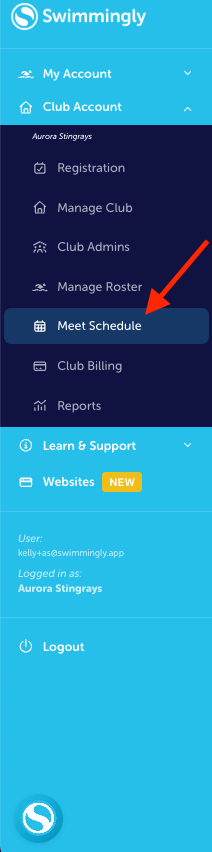
Click on the Meet Schedule tab
Step 2: Select the meet
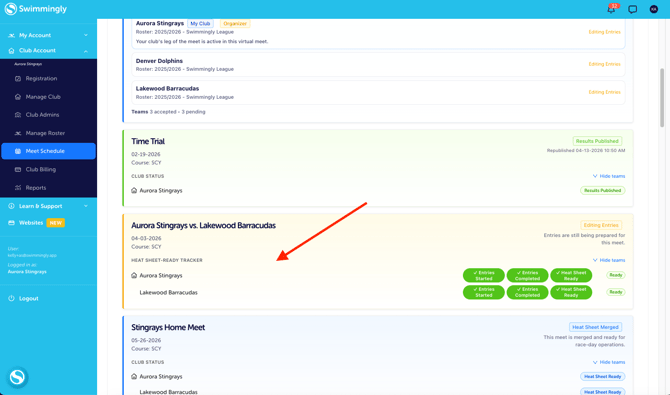
Step 3: Jump ahead to the next step based on your meet status:
If the heat sheet is not yet merged...
If the heat sheet is already merged...
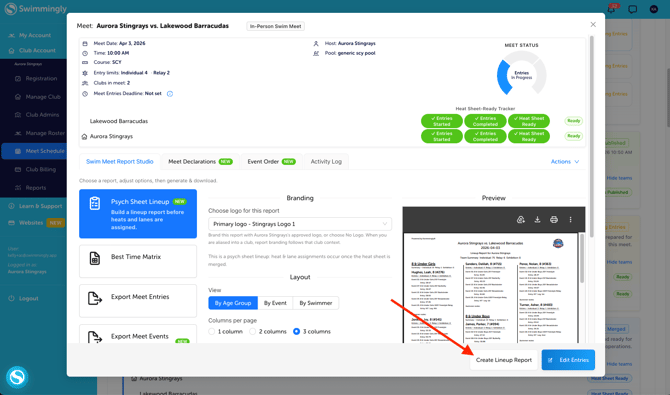
If the heat sheet is not yet merged...
The Psych Sheet Lineup will show. Customize the report as needed.
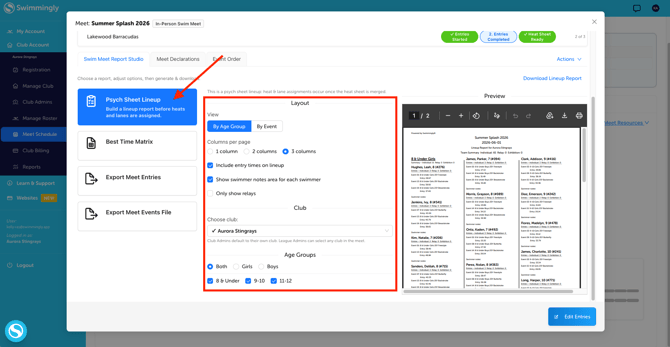
Then click "Create Lineup Report"
If the heat sheet is already merged...
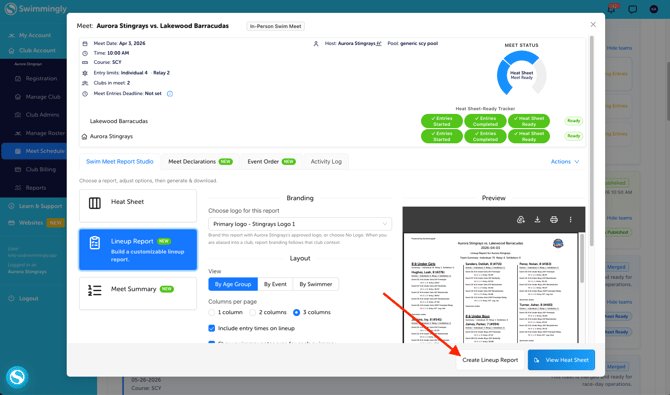
Select Lineup Report. Customize the report as needed.
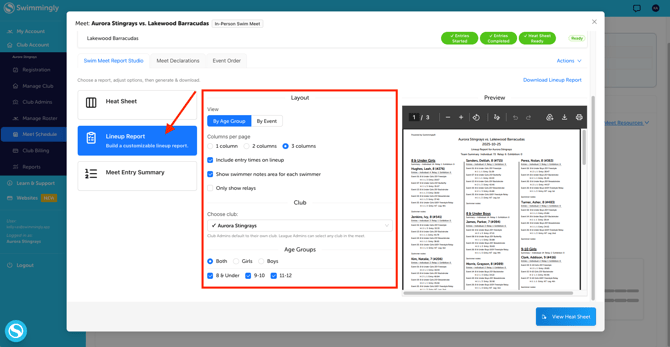
Then click "Create Lineup Report"